
DM Play Forgot Password: How To Reset And Secure Your Login
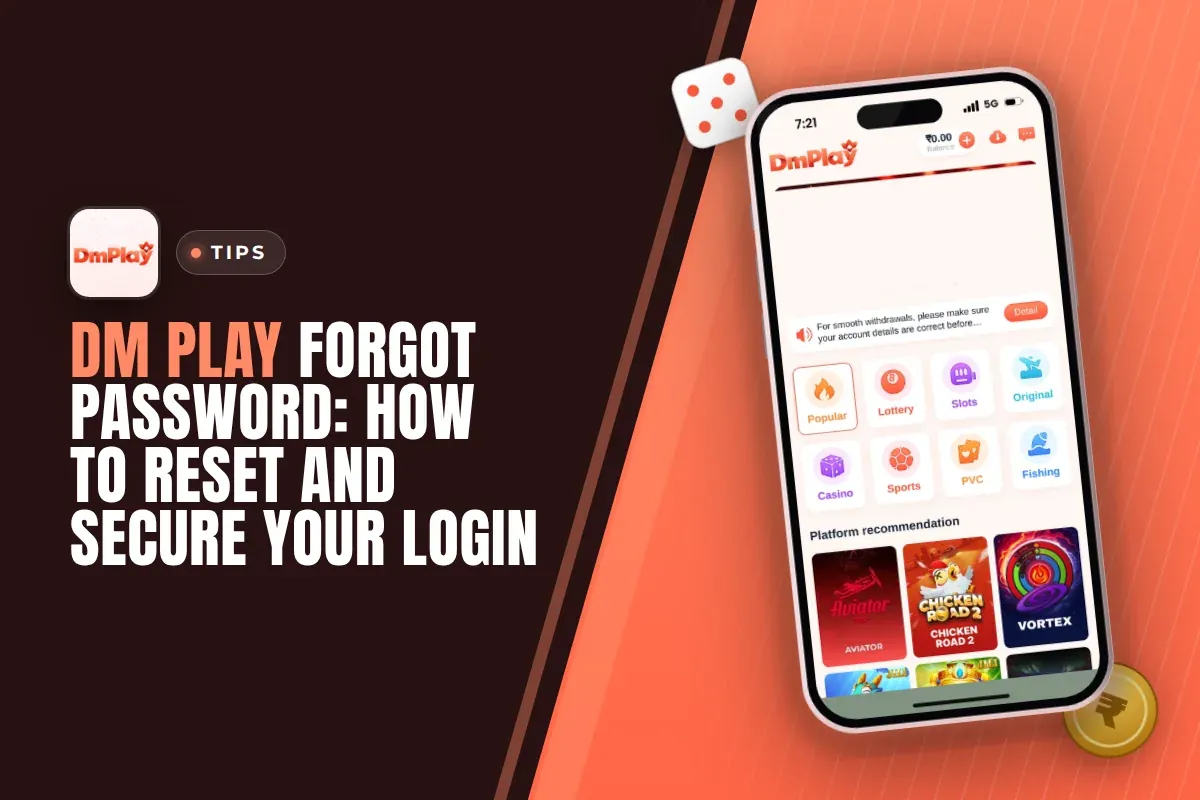
When you run into a DM Play forgot password issue, open the login page and tap Forgot password?, which sits beneath the Log in button. Follow the prompts to set a fresh password. Should that fail, customer service can help you regain access to your account.
Most lockouts come from small things: the wrong country code, logging in by phone when you registered by email, or a browser filling in an old saved password. Check those first, because a reset you did not need only adds steps.
Once you are back in, spend two minutes setting a stronger password from Account > Settings. Your login password protects your Balance and is also asked for every time you withdraw, so a weak one is a real risk.
- Reset Option
- Forgot password? on login page
- Login With
- Phone number or email
- Change Password
- Account > Settings
- Backup Help
- Customer Service
Quick Menu
How To Reset A Forgotten DM Play Password
You reset a forgotten password from the Forgot password? link on the login page. It sits just below the password box and the Remember password tick, before the Log in button.
First, confirm that you're on the genuine site and not a duplicate page that someone shared in a chat group. The platform itself advises using only its official website. Bookmark the DM Play official website link so the correct page is always the one you open.
The reset screen walks you through creating a new password step by step. Read each screen properly instead of tapping through fast, because one wrong digit in your phone number sends you back to the start.
- Open the DM Play app or mobile website and go to the login page.
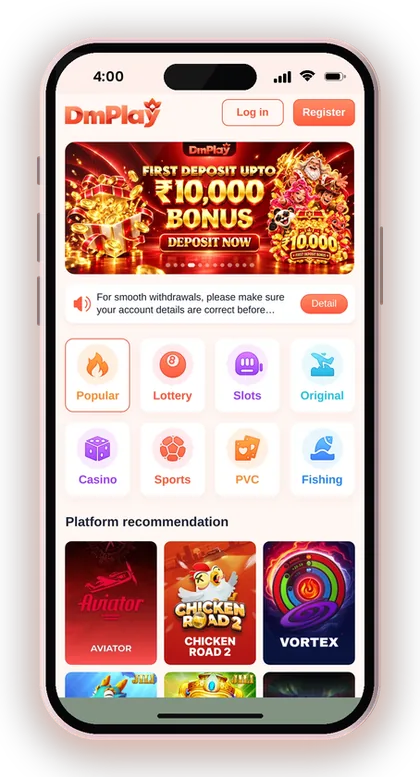
- Choose Phone Number or Email, the same option you used to register.
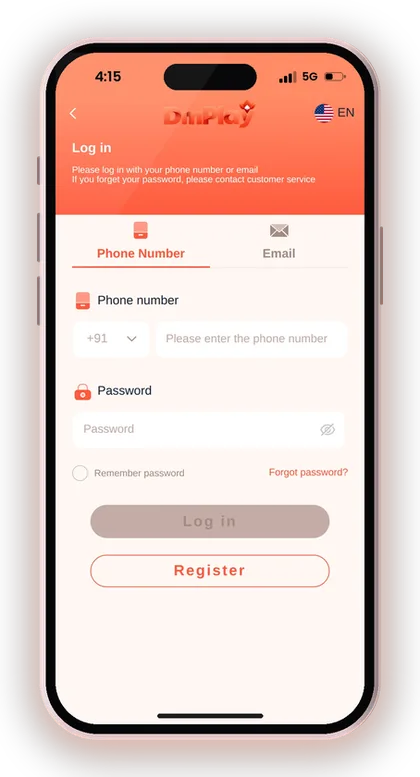
- Tap Forgot password? under the password box.
- Enter your registered phone number (with +91 India) or email.
- Follow the steps on screen to confirm it is your account.
- Set a new password, type it again to confirm, and save.
- Go back to Log in and sign in with the new password.
Useful Advice: Write your new password somewhere safe offline before you save it, so you do not end up resetting it twice in one day.
Check These Things Before You Reset Your Password
Many players who think they forgot their password actually typed it right on the wrong login tab. The login page lets you sign in with a phone number or email, and each tab only works with the detail you registered with.
A quick check of the basics saves time. If one of the points below fixes it, you keep your old password and skip the reset completely.
- The country code shows +91 India
- Your phone number has no extra zero or space
- You picked the right tab: Phone Number or Email
- Caps lock is off and the box was cleared first
- You are on the official site, not a copied link
Did You Register With Phone Or Email?
Pick the same option you used while signing up, since your account is linked to that detail. If your account was created with a phone number, searching under the Email tab won't locate it, even if the password you enter is right.
This happens a lot when someone signs up quickly and forgets which tab they used. Try the Phone Number tab first with +91 India selected, then the Email tab, before you assume the password is wrong.
Why A Saved Password Can Fail
Your browser or phone may be filling in an old password you saved before a change. The Remember password tick on the login page also stores what you last used on that device.
Clear the box and type the password by hand, slowly. Watch for caps lock, a space at the end, and the difference between a zero and the letter O. These small slips cause more failed logins than truly forgotten passwords.
When To Contact DM Play Customer Service Instead
If the Forgot password steps fail to get you back into your account, contact customer service. The login page itself directs you to customer service when a password is forgotten, so approaching them is a normal route, not a last option.
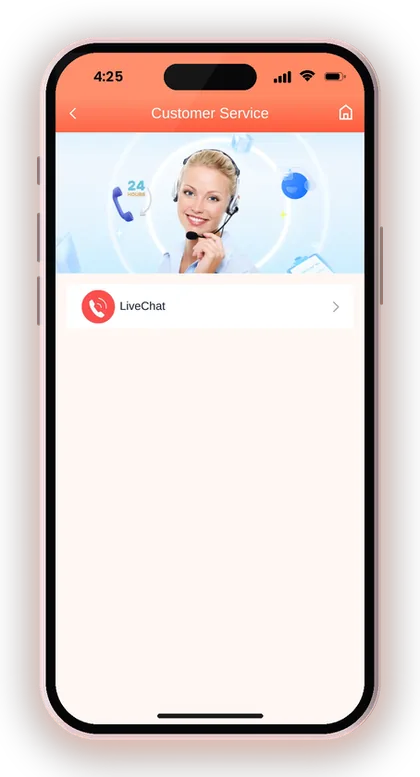
Common reasons are a phone number you no longer use, an email you cannot open, or a reset that keeps failing. Reach the team through DM Play customer care and explain your problem in one clear message.
Share details that show the account belongs to you: the phone number or email it was registered with and, where possible, information such as the amount and date of your most recent deposit. Do not send your OTP or any new password in the chat.
What If You Lost Your Old Phone Number?
If the SIM you registered with is gone, the reset screen may not be able to confirm it is you, so customer service is the right step. Tell them clearly that the number is no longer active.
Keep proof of past deposits ready, such as the UPI reference from your payment app. That kind of detail helps the team match you to the account faster than general statements like 'it is my account'.
Fake Support And Password Scams
Genuine support staff will not ask for your OTP, and they will not demand money to restore access to your account. The platform's Add UPI page also cautions you against sharing OTPs or paying anyone who contacts you unasked and says they are support.
Scammers watch Telegram and WhatsApp groups for people saying they are locked out, then message them pretending to help. Only use the service channel you reach from inside the app or the official site.
Useful Advice: If the reset screen shows an error, capture a screenshot and send it to support. It describes the problem far better than a written explanation.
How To Change Your DM Play Password After Login
You change your password from Account > Settings > Login Password once you are logged in. This is the right place to pick a stronger password after a reset, or to change it anytime you feel it may be known to someone else.
You will need your current password for this, which is why it is a good idea to do it right after a reset while the new one is fresh in your mind. A DM Play change password takes under a minute.
- Log in and tap Account at the bottom of the screen.
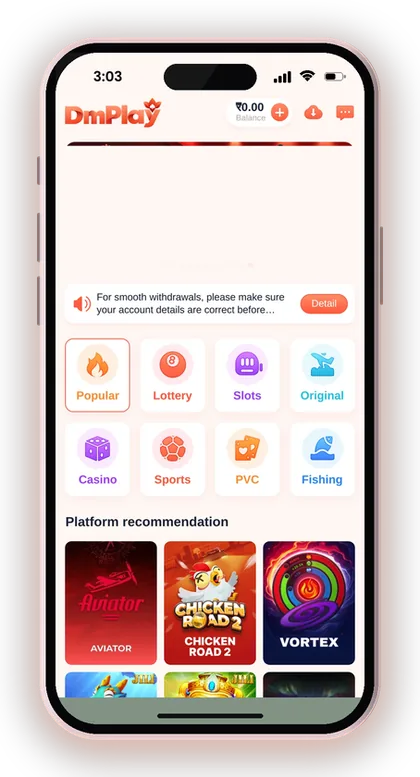
- Tap the Settings icon.
- Tap Login Password.
- Re-enter your current login password.
- Type your new, stronger password and confirm it.
- Tap Save Changes.
Useful Advice: After saving the new password, log out and log back in with it. That way you can be sure it works well before the day you really need it.
How To Choose A Stronger Login Password
A strong password is long, mixes letters and numbers, and is not used on any other site. Your login password guards your Balance, and the withdrawal screen asks for it too, so anyone who knows it can do real damage.
Avoid your phone number, your name, your birth year or simple runs like 123456. These are the first things anyone tries, and your phone number is often visible to friends you invited.
- Use at least 8 to 10 characters if the app allows
- Mix capital letters, small letters and numbers
- Do not reuse your email or UPI app password
- Change it if you ever shared your phone with someone
- Never send it to anyone, including support
Is A Six Letter Password Safe Enough?
Six characters is the short end, and it is not enough if they are simple. The registration notes mention a 6 letter password, but you are free to make yours longer and harder to guess.
A good habit is a short phrase only you would know, plus a few numbers, such as a mix of a place and a year. Longer passwords are harder to guess and still easy for you to remember.
Why Your Password Matters For Withdrawals
When you withdraw, you enter your login password as the final step, so the password is the last lock on your money. If someone else knows it, they could try to send a withdrawal to their own account.
Your payout details act as a safeguard. The name on the first payout account you save gets locked in, and any withdrawal method you add later has to carry that identical name. Do it early, and use your own accurate details.
DM Play Login Again After A Password Reset
When the reset is complete, go back to the DM Play login page and sign in with the new password and your phone number or email. On a shared phone, untick Remember password before signing in.
If you use the app, the old saved password may still be stored on it. Clear the password box and type the new one by hand. Players who installed it with the DM Play app Android install steps or added it to the home screen should check they are opening the same icon and not an old copy.
Balance Looks Different After Login?
Your Balance stays the same through a password reset; changing the password does not touch your money. If the number looks off, check whether part of it sits in the 3rd party wallet or the Safe from the Wallet and Account pages.
Also look at My transaction history before raising a complaint. Most surprise balance changes are a game round or transfer you forgot, and the history shows the exact time and amount.
Check Your Withdrawal Details Next
Right after a lockout is a smart time to review the bank account, UPI or USDT address saved on your account. If something looks wrong or unfamiliar, contact customer service before you make any withdrawal request.
Players who use ARPay should also check their AR Wallet settings. The ARPay and AR Wallet deposit and withdraw steps explain how that wallet links to your account.
No DM Play Hack Can Recover Your Account
There is no DM Play hack that recovers a password or unlocks someone's account. Any app, link or person offering one is a scam, and the most common aim is to steal your login details or charge you a fee.
Fake tools often ask you to log in through their page first. The moment you type your phone number and password there, the scammer has your account. The only safe reset paths are the Forgot password option and customer service.
Useful Advice: If you have already entered your password in an unfamiliar app, change it right away through Account > Settings > Login Password.
Starting Fresh: Registering With The DM Play Invite Code
If an old account can't be recovered at all and support agrees, you can open a new one, though registration needs an invite code. The register page won't proceed without that field, so enter 216651031605 there.
Use a phone number or email you will keep for years. Most permanent lockouts happen because the registered number was a temporary SIM, so pick a detail you control long term. Remember that the platform only accepts players above 18.
- Open the register page and choose phone or email.
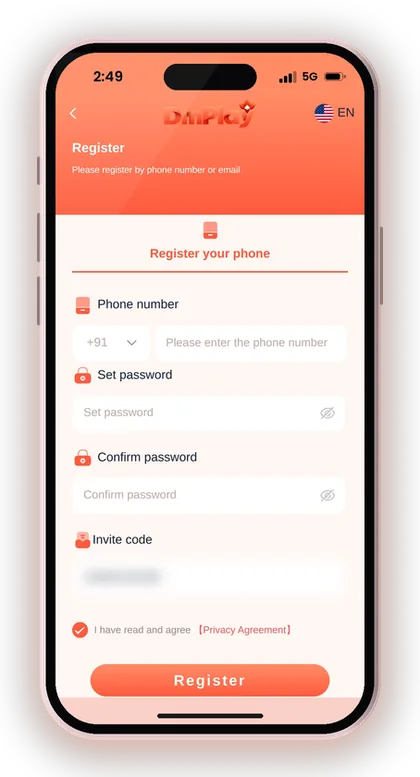
- Put in your mobile number with the +91 country code, or use your email address instead.
- Set a strong password and confirm it.
- Enter 216651031605 in the Invite code field.
- Check the box to confirm that you accept the Privacy Agreement.
- Tap Register, then save your password safely.
Useful Advice: Store your password and registered phone number in a note on paper, not in a screenshot gallery others can see. For more account help, browse the DM Play blog.
Doubts Cleared Here
Where is the forgot password option on DM Play?
You'll find it on the login page, right under the password box and the Remember password checkbox. Tap Forgot password? and follow the steps to set a new password.
What should I do if the DM Play reset password steps do not work?
Contact customer service. The login page itself tells players who forget their password to contact customer service. Share your registered phone number or email, but never your OTP.
How do I change my password while logged in?
Go to Account, select the Settings icon, then pick Login Password. Type your existing password, then the new one, re-enter it to confirm, and tap Save Changes.
Is it possible to sign in with my email rather than my mobile number?
The login page has both Phone Number and Email tabs. Use the same one you chose at sign-up, because your account is linked to that detail.
Does resetting my password affect my balance?
No, a password reset does not change your Balance. If the amount looks different, check the Wallet page and your transaction history for recent rounds or transfers.
Will support ask me for my OTP?
Real support should never need your OTP. The platform warns players not to share OTPs or pay anyone who contacts them claiming to be support.
Do I need my password to withdraw?
Yes. Entering your login password is one of the steps in a withdrawal request, so keep it strong and private.
You May Also Like
DM Play Login for players in India works with your +91 mobile number or email. Learn how to reset a forgotten password and fix sign-in issues.
Find DM Play customer care under the Account tab, see what details to share for deposit or withdrawal issues, and how to avoid fake contacts.
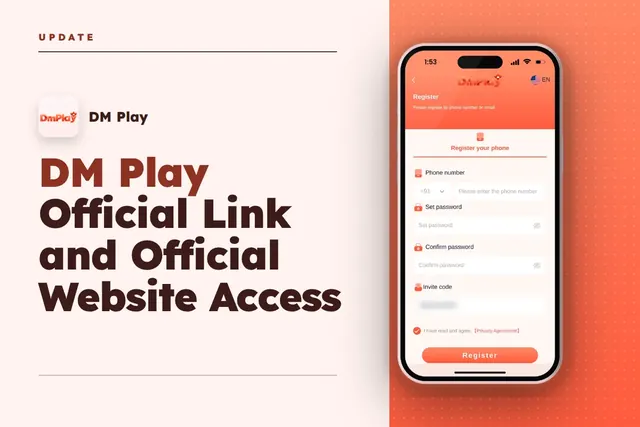
DM Play official link: open the real site, register with invite code 216651031605, log in, get the app and spot fake copies before you deposit.
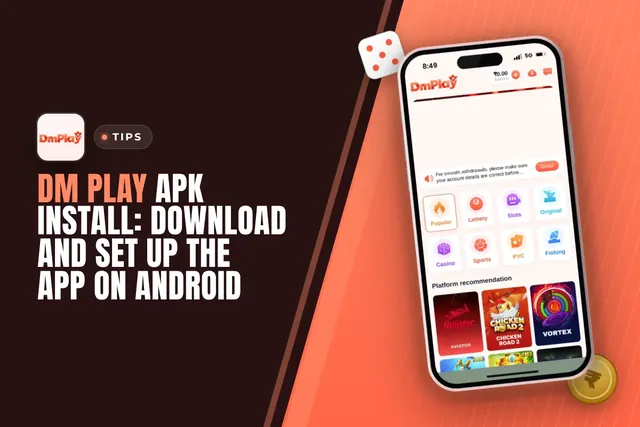
Installing the DM Play APK on Android: spot the download icon, choose Quick or Complete installation, permit unknown sources and collect the Rs. 28 app bonus.
Ready To Play On DM Play?
Register on DM Play in a minute and explore the games and offers.