
DM Play Customer Care: How To Get Help With Your Account
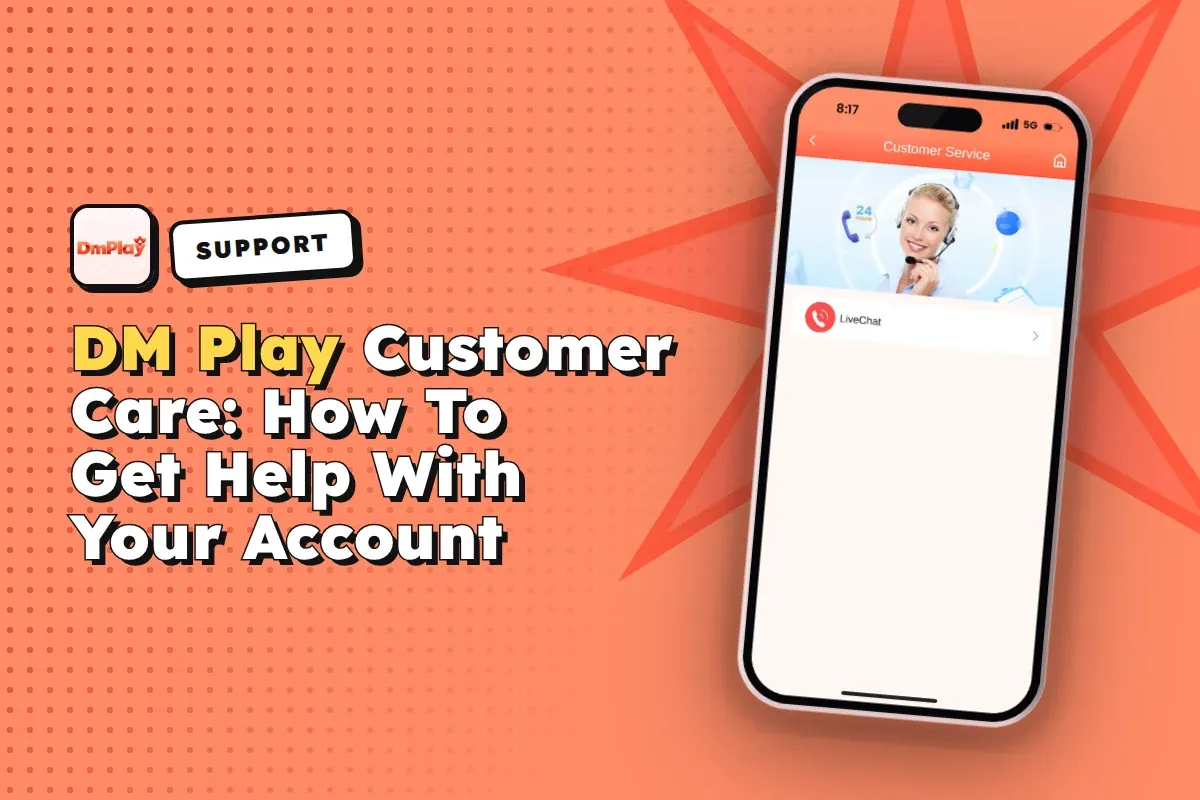
DM Play customer care works through your account and not through a phone number. Log in, press Account on the bottom bar and select Customer Service under the Service center section. It covers deposits that are missing, withdrawals, password trouble and bank details.
Most problems get sorted on the first message when you send the right details. Include your account phone number, the order number, the exact amount and a screenshot. Support needs to see these to trace your money. A message like "my money is not coming" usually just gets a reply asking for them.
Below you will find where the support options are, what to send for each type of problem and how to spot fake support agents. Fake agents target new players far more often than most people expect.
- Where To Find
- Account > Customer Service
- Phone Number
- None published
- Forgot Password
- Forgot password or support
- Agent Help
- Agent line customer service
- Withdrawal Hours
- 00:00-23:55 daily
- Invite Code
- 216651031605
Quick Menu
How To Contact DM Play Customer Care?
You reach DM Play customer care from the Account tab after you log in. Customer Service is in the Service center section, along with Feedback, Announcement and the Beginner's Guide. You must be logged in, so you cannot use it from the register screen.
Before you tap it, collect your details. Have your registered phone number, the order or period number, the amount and a screenshot of the problem ready. With these in your first message, support can find your transaction without asking you again.
- Launch the DM Play app, or visit the official website, and sign in using the phone number or email ID you used while creating your account.
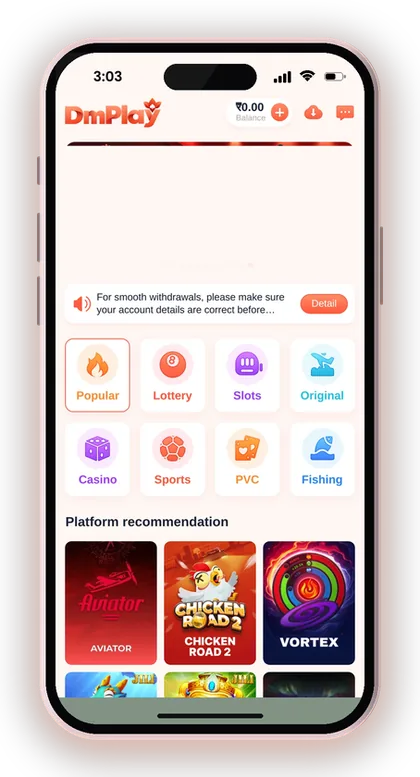
- Tap Account in the bottom menu.
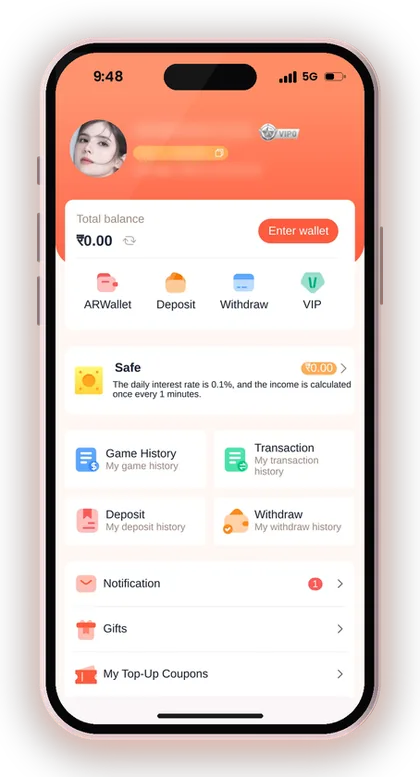
- Scroll down to the Service center section.
- Tap Customer Service to open the support screen.
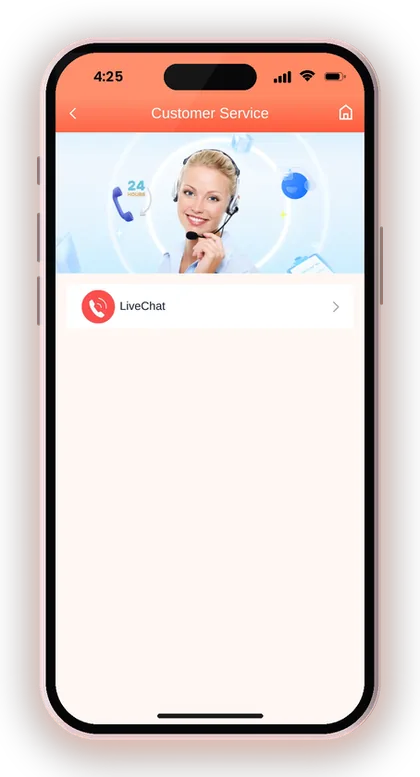
- Explain the issue in a single clear message, and add a screenshot that shows the order number and the amount.
Useful Advice: Take the screenshot before you contact support. Payment pages and timers can refresh and you may lose the order details.
Is There A DM Play Customer Care Number?
No. The platform does not publish a customer care number for calls or SMS. Official help is the Customer Service option inside your account. Promoters also get a separate agent line on the Promotion page.
For this reason, any "DM Play customer care number" seen in YouTube comments, Telegram groups or unknown websites does not come from the platform. Such numbers mostly belong to people after your OTP, your login password or a "verification fee". The welcome notice on the homepage tells players to rely only on the official DMPLAY website and to approach support for any help with their account.
Why Fake Helpline Numbers Are So Common
Fake helplines spread because worried players search for a number the moment a deposit goes missing. Scammers know this. They post numbers in comment sections and pretend to be agents who can "release" your stuck balance.
The usual trick is asking you to pay a small fee or share an OTP to release the money. Real support on DM Play never needs either. If someone calls you first, treat it as fraud and contact support only from inside your own account.
Can Support Call You Back?
Do not expect a phone call from support. Help on DM Play happens inside the app, through Customer Service. An unexpected call from someone claiming to be support is a warning sign, not a service.
The Add UPI screen states this plainly. It cautions you against sharing OTPs and against paying anybody who approaches you as support. End the call, open the app on your own and see whether your account actually has an issue.
Getting Help With A Deposit That Has Not Arrived
Most support queries from players are about deposits that never showed up, and the cause is usually one of a few common errors. The amount you pay has to be identical to the amount on the order you placed. If the two figures differ, the funds will not be credited automatically. Also, never cancel an order once the payment has already gone through.
Say you create a deposit order and pay one rupee less by mistake, or the timer runs out while you are in your UPI app. In both cases the balance may not update. Before you message support, open Deposit history in your account and check what status the order shows. Then read the DM Play deposit steps and recharge rules so the next one goes through cleanly.
What To Send Support For A UPI Deposit
Send the deposit order number, the amount, the time you paid and a screenshot of the successful payment from your UPI app. The screenshot should clearly show the UTR or reference number. That number is how the payment gets matched to your order.
Send one complete message rather than five short ones. Do not create a second order for the same money while you wait. Duplicate orders make tracing harder, and the instructions warn that a wrong amount may not be recoverable.
USDT Deposit Problems And The Hash ID
For a USDT deposit, the key detail is the transaction or hash ID. The USDT deposit screen has a Transaction/hash id field with a Paste button, so fill it in before you tap Complete recharge. Support will ask for the same ID if the deposit is late.
Also confirm that you sent USDT over the TRC network to the displayed address. That address takes only USDT, and the screen cautions that any other asset sent to it cannot be recovered. Support has no way to reverse a transfer sent on the wrong network.
Useful Advice: If the transfer timer runs out before you pay, fill in a new deposit form. Do not send money against an expired order.
Withdrawal Problems Customer Service Can Fix
Support handles withdrawal issues linked to your payout details, such as a wrong bank account, a wrong name or a USDT address you need to add. The withdrawal page asks you to double-check your registered bank information. If it is wrong, it tells you to contact customer service instead of trying again.
Many "stuck withdrawal" complaints are not problems at all. Withdrawals are open from 00:00 to 23:55 and are capped at three per day. The Beginner's Guide also says your remaining bet requirement must reach zero first. Check the DM Play withdrawal limits and rules before you raise a complaint.
How To Change A Wrong Bank Name Or Account
Only the customer service team can handle this. Whatever name appears on the first payout account you save is fixed as the recipient name, and every withdrawal option you add afterwards must carry the identical name. You aren't able to edit it on your own later.
This is where many new users slip. Some type a nickname or a relative's name and only find out when the money doesn't arrive. Type the account holder's name just as your bank has it, and verify the IFSC code before pressing Save.
Why Your Withdraw Button Is Not Working
The usual reason is that the betting requirement on your balance has not reached zero yet. The withdrawal steps in the Beginner's Guide say your remaining bet must be zero before you can withdraw. Bonus money and fresh deposits normally need to be played first.
Other common causes are using up the three daily withdrawals or trying in the gap between 23:55 and midnight. If none of these apply, send support a screenshot of the error together with your account details.
Adding A USDT Withdrawal Address
The USDT withdrawal tab shows a contact customer service link next to Add USDT address. If you have trouble linking your wallet, support is the place to ask. The address must be on the TRC network, and the screen lets you give it an alias.
After a USDT withdrawal is sent, it needs three blockchain confirmations before it reaches your wallet. A short delay on the network side is normal. Give it some time before you report it as missing.
Useful Advice: Before your first withdrawal, compare your saved bank or UPI details with your bank passbook. One wrong digit can turn into a long support ticket.
DM Play Login And Password Help
If you forget your password, tap Forgot password? on the login screen, or contact customer service. The login page says so directly. The reset option is faster because you can do it yourself without waiting for a reply.
Locked out and unsure which number or email you signed up with? Try both tabs on the DM Play login page first. If you still cannot get in, ask support for help recovering the account rather than creating a new one. A new account means a new wallet, and your old balance stays in the old one.
Registration Help And The Invite Code
You cannot register on DM Play without an invite code, because the Invite code field is mandatory. Enter 216651031605 in that field, set a password, tick the Privacy Agreement box and tap Register.
Most sign-up messages to support are about a rejected code or a phone number already in use. Copy the code exactly, with no spaces. If the number is already registered, use the login and reset steps instead of opening a second account. Full sign-up steps are on the DM Play register and invite code page.
Changing Your Password After Support Helps
Once you are back in, update your password right away. Open Account, press the settings icon, pick Login Password, type the old password and save a strong new one. That locks out anyone who might have seen the old one.
Never type your password into a chat, even one that looks official. Support can guide you through a reset without knowing it. The only place your password belongs is the login screen and the withdrawal confirmation step.
Agent Line Customer Service For Promoters
Promoters have their own contact: Agent line customer service, on the Promotion page. Use it for commission, invitation and subordinate questions. Keep the general Customer Service option for deposits, withdrawals and account access.
Please learn how commission works before contacting support. Each morning at 01:00, the earnings of the day before are worked out and credited to your wallet, and you can view them on the commission details page. If the page looks empty around midnight, wait until that calculation is done.
Useful Advice: If a friend registered without your invite code, they are not your level 1 subordinate. Ask them to use your link or code at sign-up, because this is very hard to fix later.
Self-Help Options On The Account Page
You can answer many questions yourself from the Account page, without waiting for support. The Service center groups the support tools, and the history pages hold the records support would ask you for anyway.
Say you think a Win Go bet was not counted. Open My game history first. It shows each period, your choice and the result, and that often settles the question in seconds. Deposit and withdrawal histories work the same way for money questions.
- Customer Service: direct help for account and payment problems
- Feedback: report a bug or make a suggestion
- Announcement: platform notices, maintenance and changes
- Beginner's Guide: register, betting, deposit and withdrawal basics
- Game History, Transaction, Deposit and Withdraw history: your records for any complaint
- About us: the Confidentiality Agreement and the Risk Disclosure Agreement
Useful Advice: Check Announcement before reporting a game that will not load. Some sections, such as Esports, can show game maintenance.
Staying Safe From Fake Support And DM Play Hack Offers
There is no DM Play hack, and anyone selling one is running a scam. Results in Win Go, K3 and other games are random. Paid "signal" groups and hack apps simply take your money or your login details, and support cannot recover funds you gave to a third party.
Install the app only from a trusted source. Get the DM Play app download from the official page, and open the website through the DM Play official website link rather than links shared in groups. Copycat sites often have a fake support button that takes you to a scammer.
Signs That A Support Agent Is Fake
An agent is almost certainly fake if they contact you first, ask for an OTP or password, or want a fee before releasing a withdrawal. Real help starts when you open Customer Service yourself from inside your logged-in account.
Another red flag is pressure: "pay within ten minutes or your account will be frozen". Real account issues do not come with a payment deadline from a stranger. Stop, log in directly and check your balance and notifications.
Keeping Your Account Safe From The Start
Pick a strong password that isn't used for any other website. Also avoid entering your mobile number as the UPI ID, since the Add UPI screen itself cautions that this raises the chance of fraud.
Remember that DM Play is open only to players above 18, and playing with real money can turn into an addiction. Fix a budget that you can comfortably afford to lose. Support can fix payment mistakes, but it cannot give back money lost in betting.
Useful Advice: Save the official website link in your browser bookmarks so you never have to search for it and land on a copycat.
How To Get A Faster Reply From DM Play Support
Replies come faster when your first message has everything needed to trace the issue. Agents handle many tickets, and a message with an order number and screenshot can be checked immediately. A vague message goes to the back of the queue while you are asked for details.
Keep it to one topic per message. A deposit problem and a password question are better sent separately, so neither gets lost. Stay polite and patient. Sending the same complaint again and again does not move you up the queue.
- Your registered phone number or email
- The order number or game period number
- The exact amount and the time of the transaction
- A clear screenshot (UTR for UPI, hash ID for USDT)
- One short sentence on what went wrong and what you expected
Doubts Cleared Here
How do I contact DM Play customer care?
Sign in, press Account in the bottom menu and choose Customer Service under the Service center section. In your first message, include your registered phone number, the order number, the amount and a screenshot.
What is the DM Play customer care number?
The platform does not publish a phone number. Help is given through the Customer Service option inside your account. Treat any number posted on social media or in groups as a likely scam.
Money was deducted for my deposit, but my balance has not changed. What should I do?
First check Deposit history and leave the order uncancelled. Then message support with the order number, the amount and a payment screenshot showing the UTR. Remember that what you paid must be equal to the order you created.
Can DM Play support change my bank account name?
Yes, customer service has to help with this. Once your first payout account is saved, its holder name is fixed, so any withdrawal method you add afterwards must be under that very name.
I forgot my password. Do I need support?
Not always. Tap Forgot password? on the login screen and follow the steps to set a new password. If that does not work, contact customer service to recover the account.
Where do agents ask about commission?
Reach the Agent line customer service through the Promotion page. Since the earlier day's commission is calculated from 01:00 each morning, check the commission detail after that time before raising a query.
Must I have an invite code to register before I can get support?
Yes. Sign-up is not possible without an invite code, so put 216651031605 in the Invite code field while registering. Once you are logged in, Customer Service is available in the Account tab.
Will DM Play support ever ask for my OTP?
No. The app cautions you against sharing OTPs and against paying anyone who contacts you as support. A person who asks for an OTP, password or release fee is a scammer.
You May Also Like
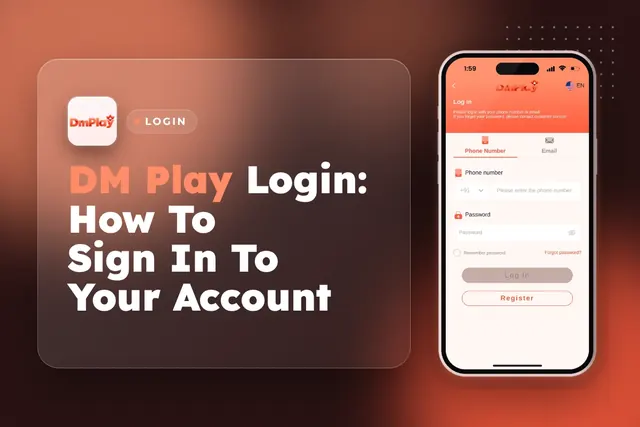
DM Play Login for players in India works with your +91 mobile number or email. Learn how to reset a forgotten password and fix sign-in issues.
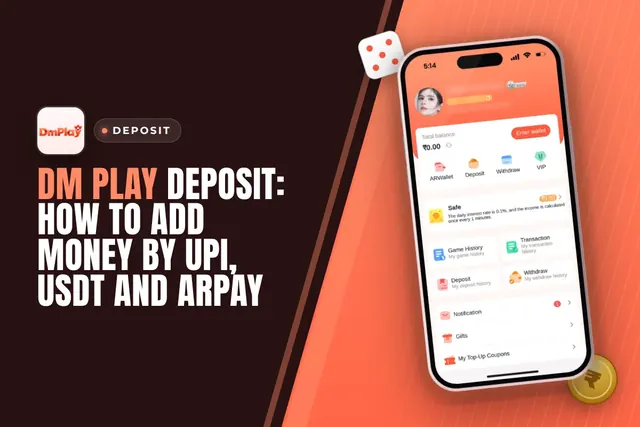
DM Play deposit steps for UPI, USDT and ARPay, with the ₹100 minimum, ₹50,000 UPI limit, exact-amount rules and what to do if money is not credited.
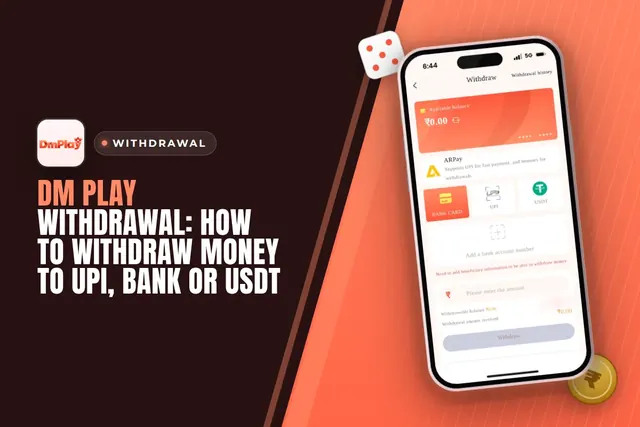
Cash out from DM Play via UPI, bank card, USDT or ARPay. See the ₹110 minimum, 3 requests daily limit, 00:00-23:55 timing and fixes for common issues.
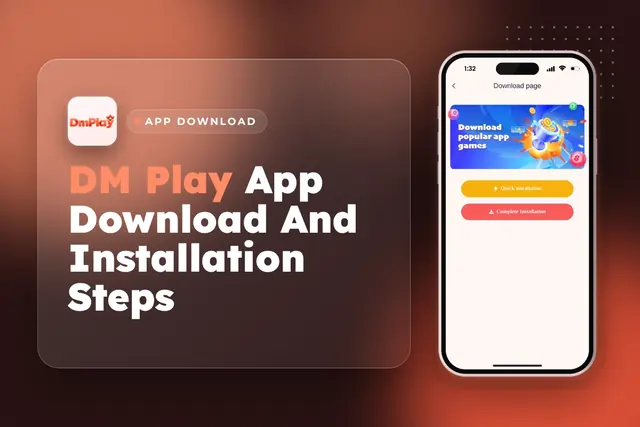
DM Play app download in India: get the app from the official website, install it, register with invite code 216651031605 and claim the Rs. 28 app bonus.
Ready To Play On DM Play?
Register on DM Play in a minute and explore the games and offers.